
AlbumFlow: Adobe InDesign Scripts for Photographers
Create beautiful albums faster!
AlbumFlow
Adobe Indesign is the best software for making photo albums and books. It allows you to design and edit with ease and precision.
AlbumFlow is a group of creative scripts that carry you into the flow of inspiration. Using AlbumFlow you can design with passion, free from busywork and frustration.
Step into the flow with...
- Create a New Album
- Make Grid
- Merge Frames
- Set Spacing
- Swap Images
- Center Page
- Center Spread
- Add to Library
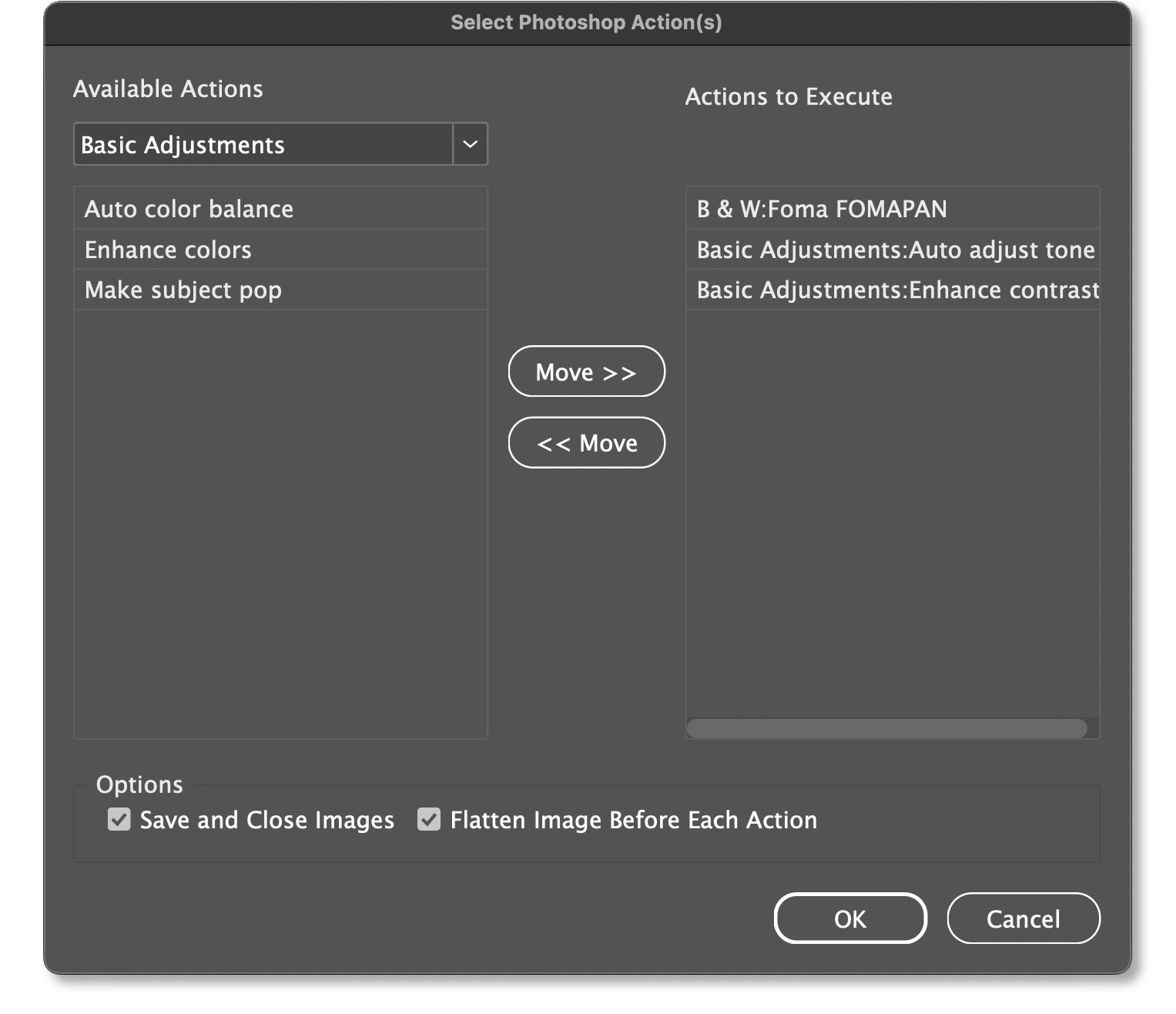
- Run Photoshop Action
- Create Random Frames
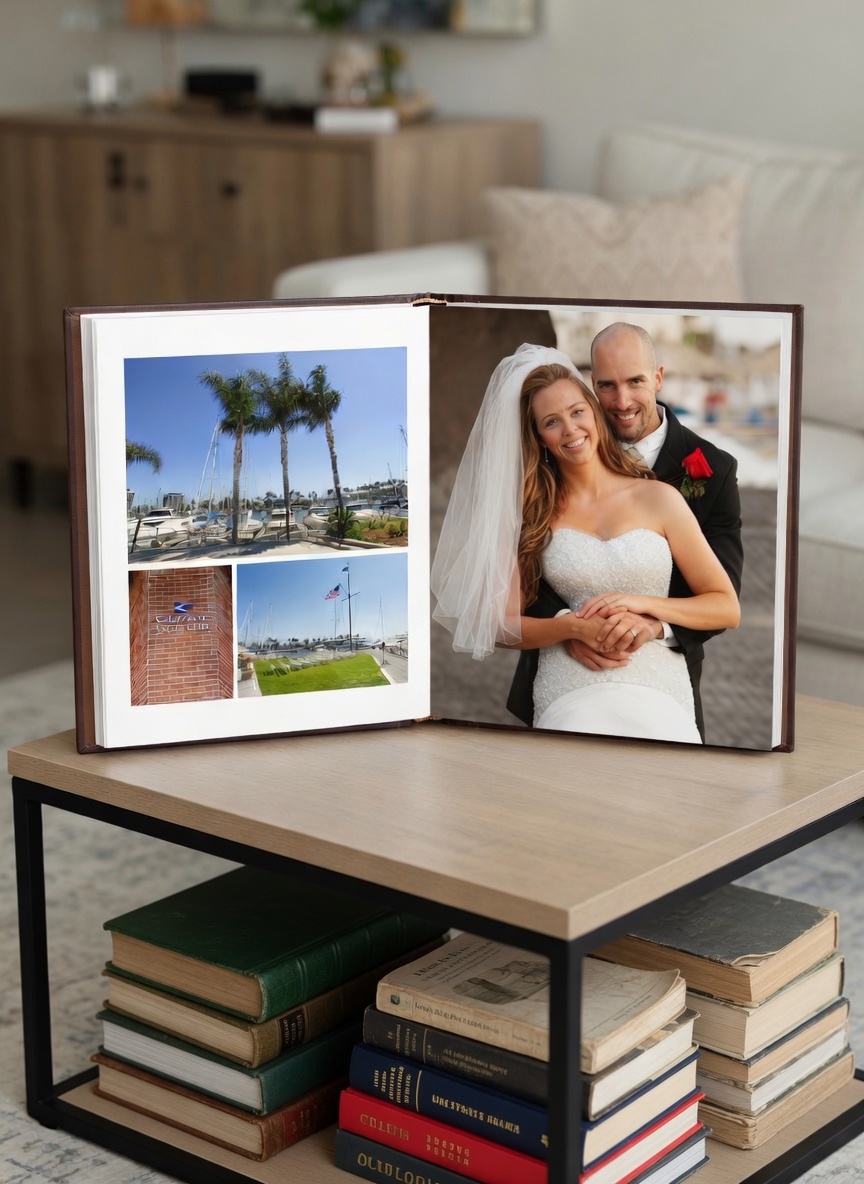
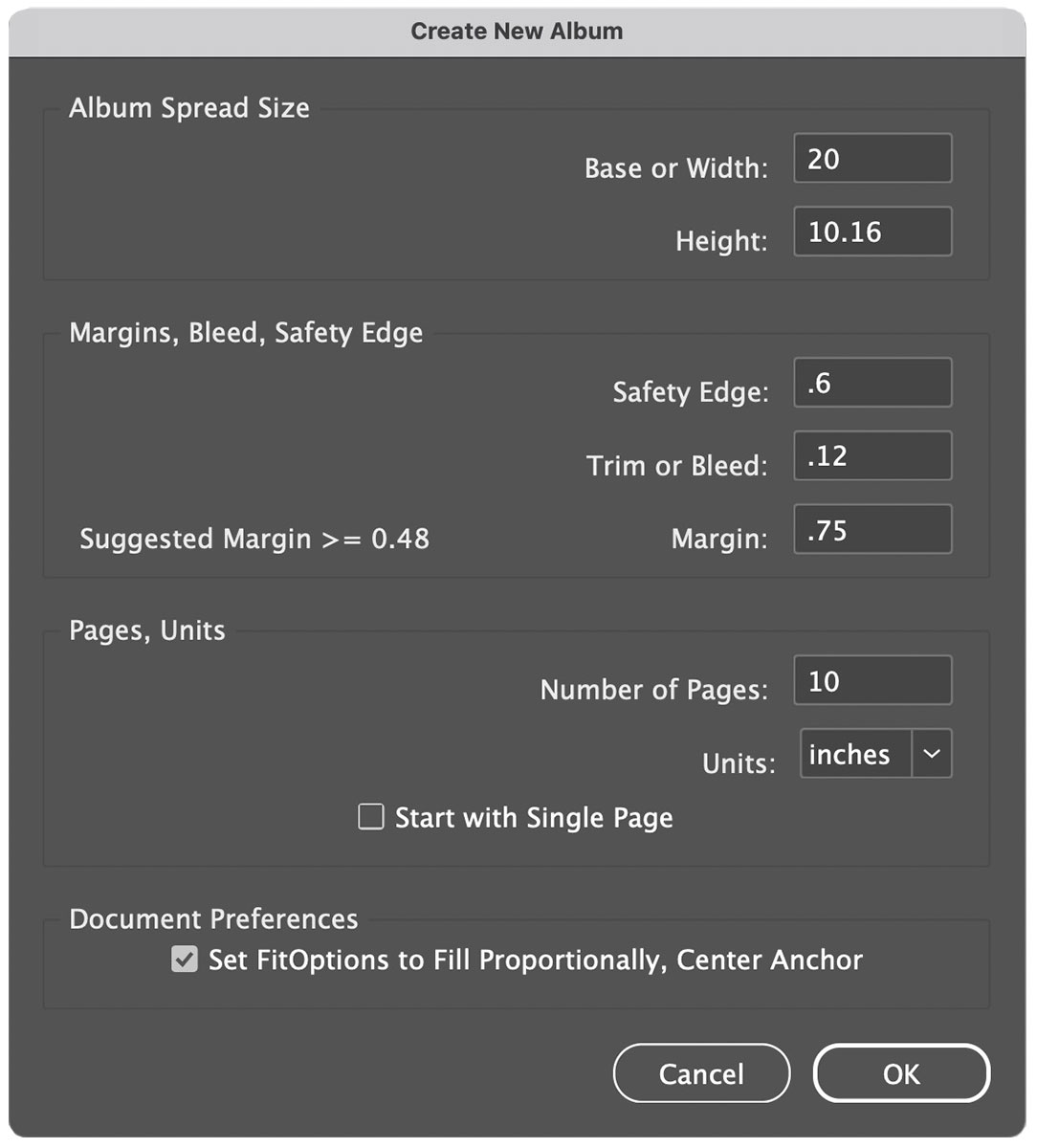
Create New Album
Set up a new album correctly the first time — with perfect margins and bleed settings based on your album company’s specs.
The result is even margins and design elements that stay as you intended.
Confidence in your album setup is what the Create New Album feature is all about.
Beautiful Albums Start Here
Your photography is amazing. It deserves to be presented with focus on the emotion and composition.
Adobe InDesign is the right tool for presenting your art in an album.
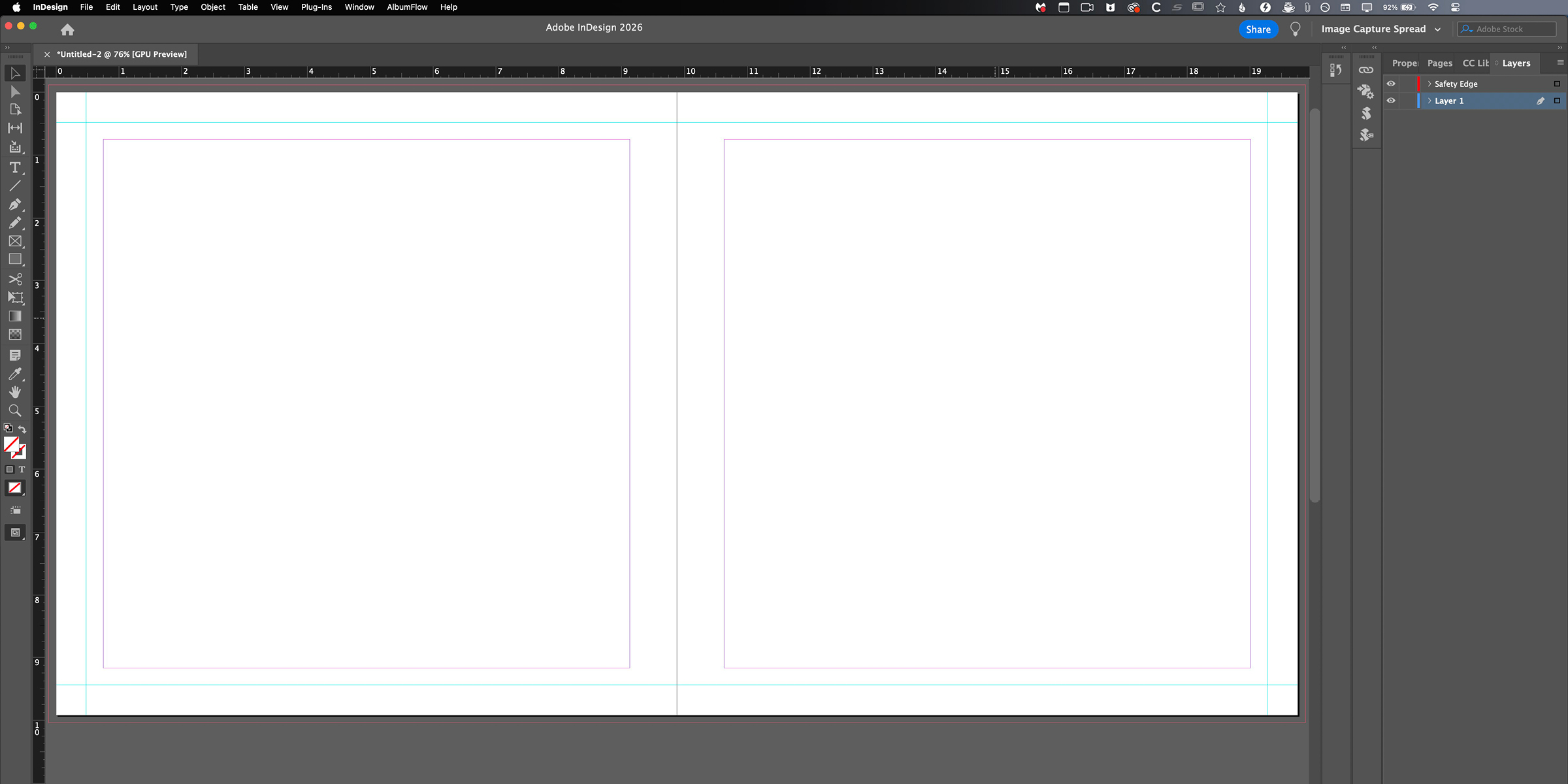
AlbumFlow generates the file with a bleed so margins and centered images are as intended in the final product. It includes a Safety Edge to keep important elements safe.
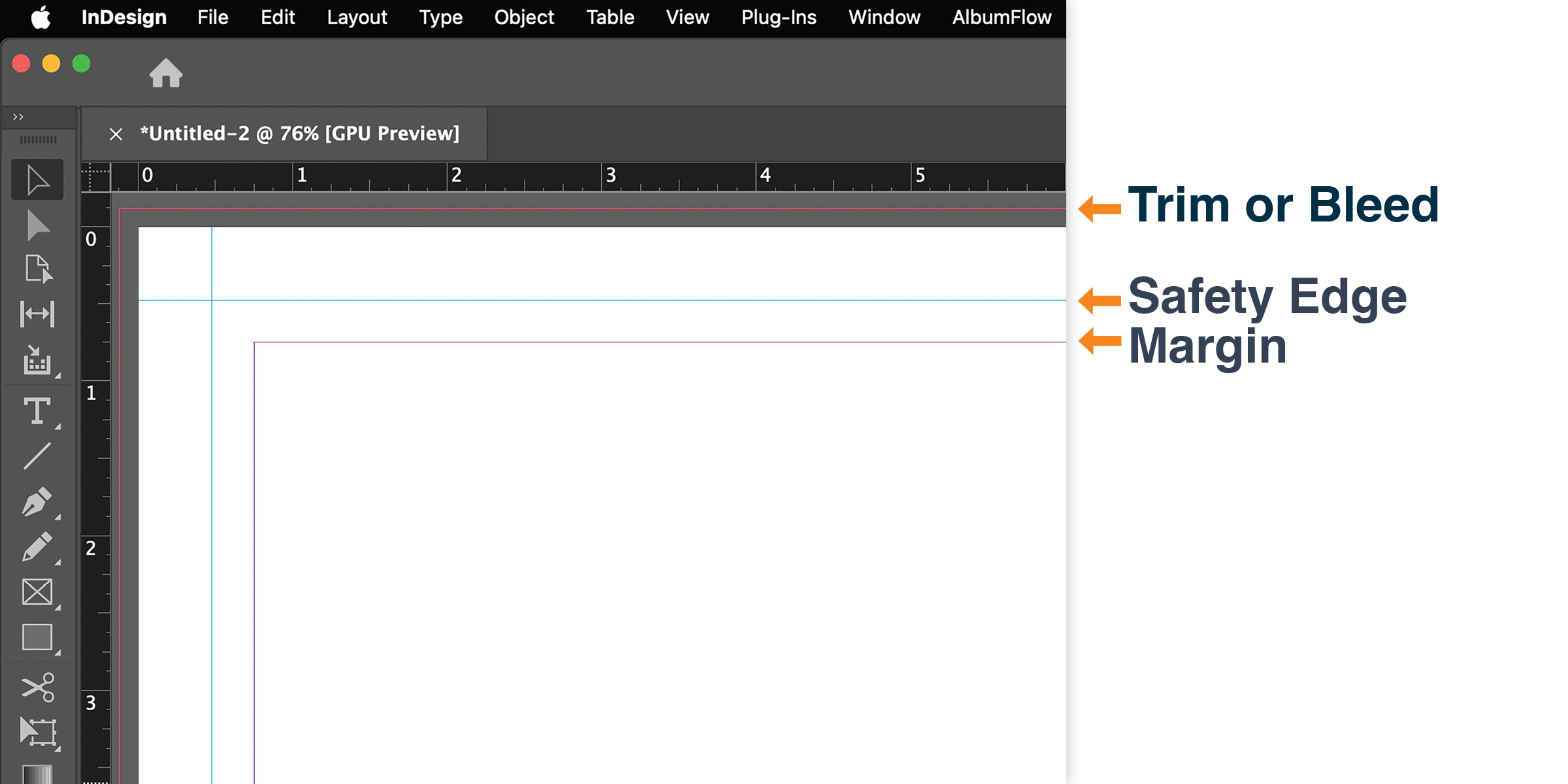
Bleed Setting
Perfect margins every time.
When an album company prints and trims your spreads, the bleed setting makes the difference between “good enough” and “wow.” AlbumFlow automatically sets up the correct bleed and safety area so your centered images and open space look exactly as you intended — even after trimming.
The result? Clean, balanced layouts that feel intentional and polished. Your viewers get lost in the emotion of your photos instead of noticing tiny alignment issues.
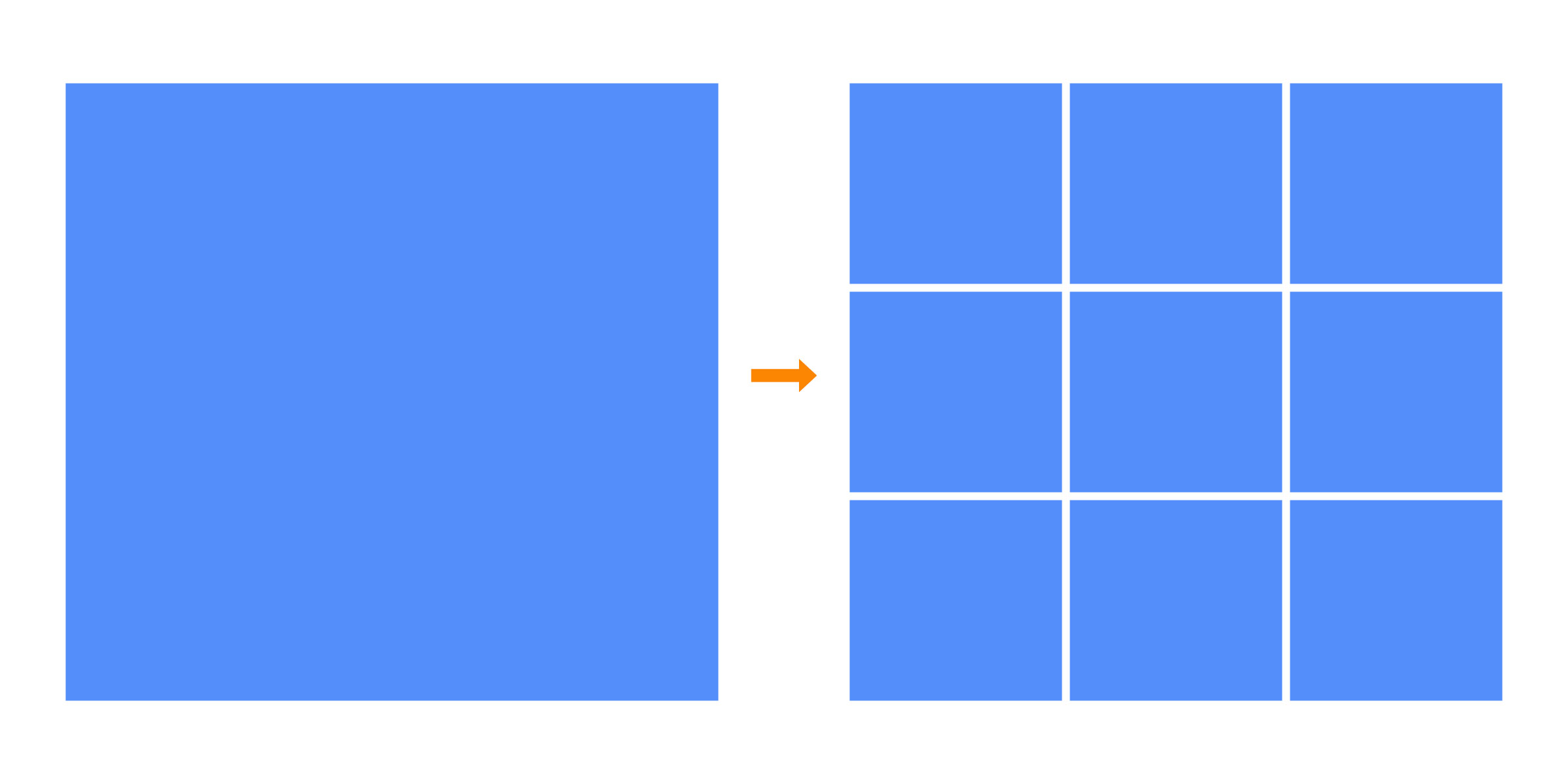
Make Grid
Instantly create perfectly spaced, proportional frames so you can start designing right away.
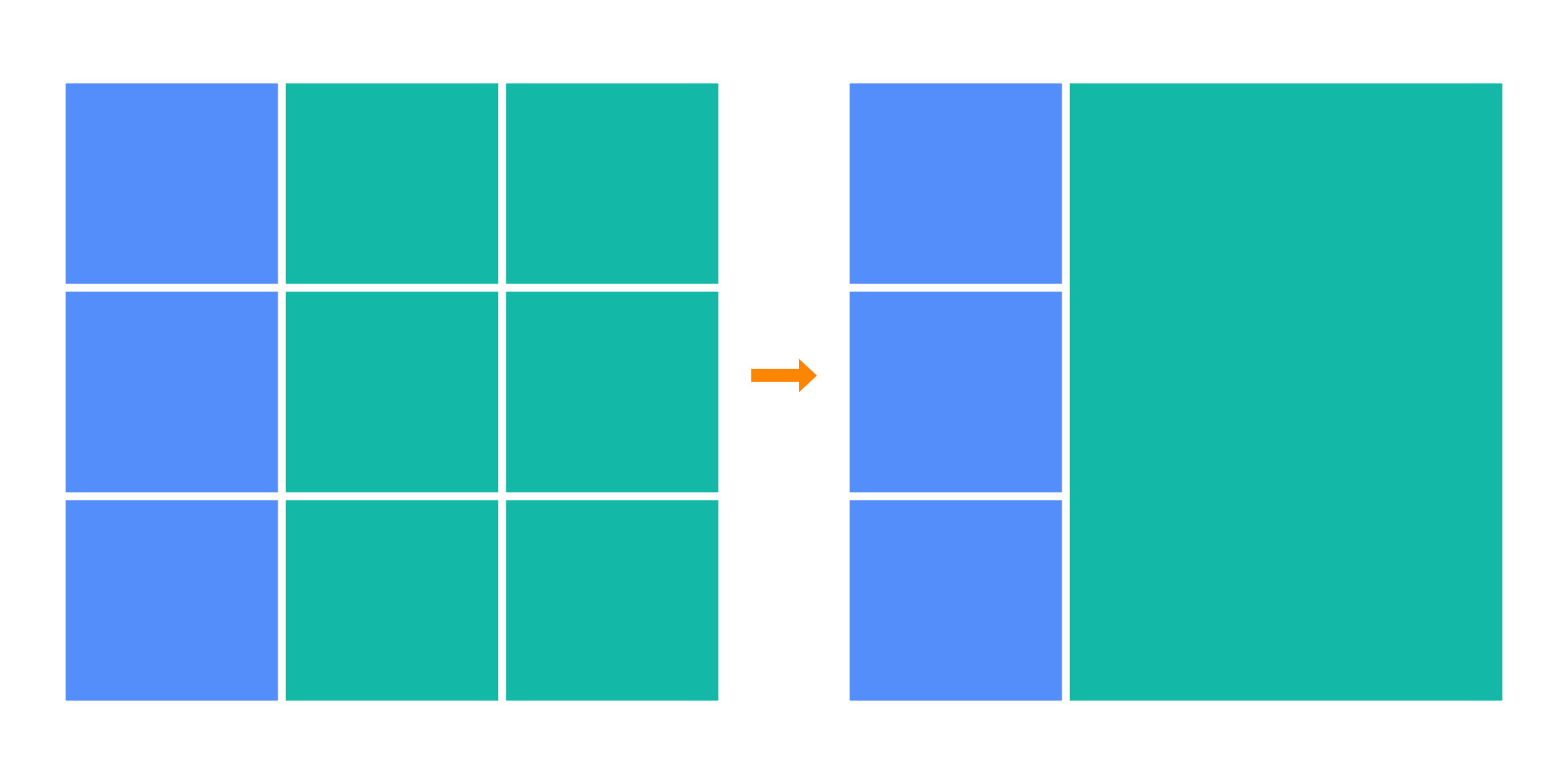
Merge Frames
Combine multiple frames into one with a single click — perfect for creating clean, impactful layouts.
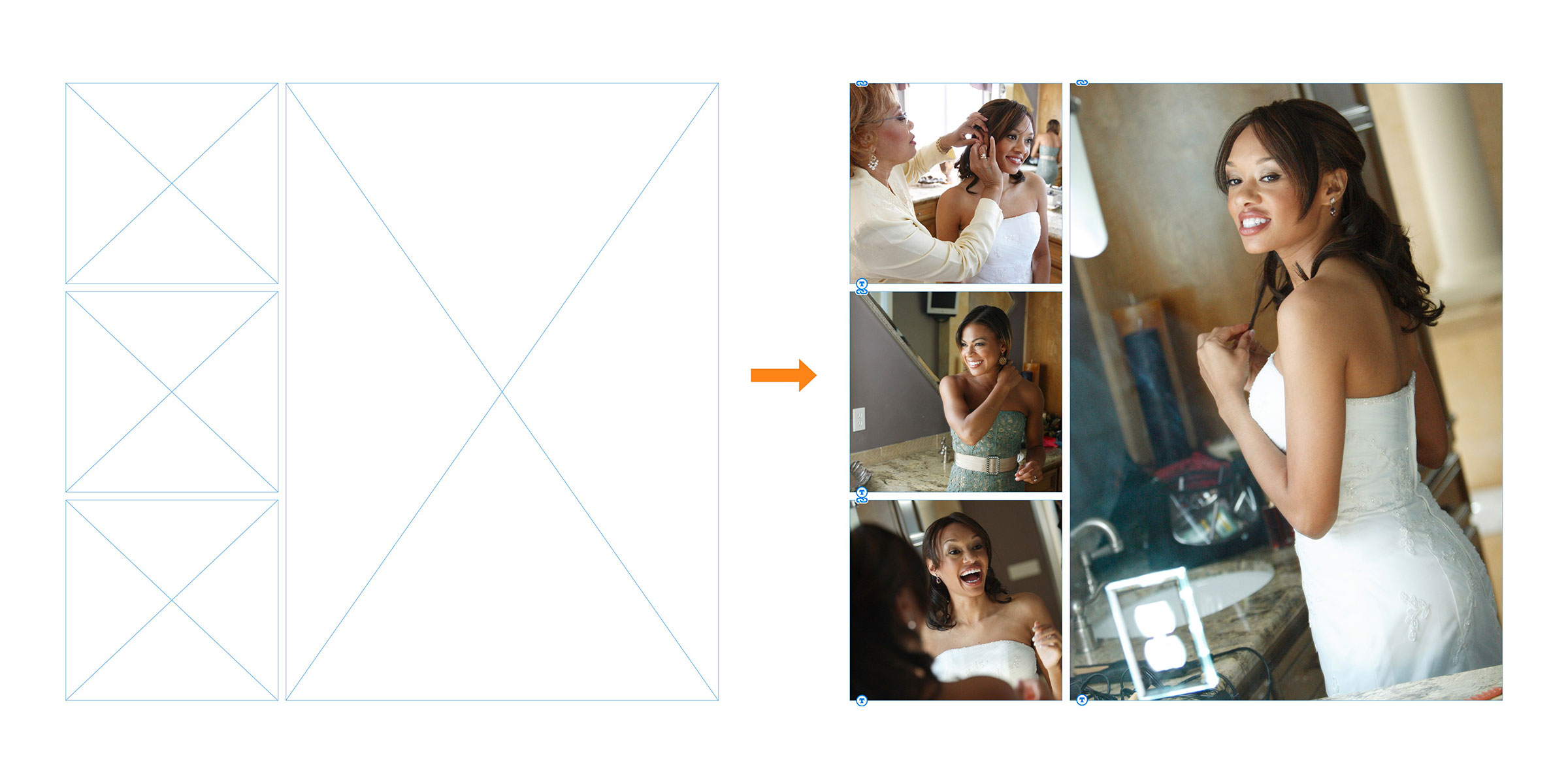
Make Grid + Merge Frames
Using Make Grid & Merge Frames you can harmoniously create clean, simple designs quickly on the fly.
💡 Pro Tip: The color fills you see are just for show — for flawless printing, place your photos in uncolored frames.
Set Spacing
Sets the spacing between frames.
Consistent spacing between images in a photo album is pleasing and the professional standard. AlbumFlow sets the spacing between frames in a snap so you can stay in the flow of design.
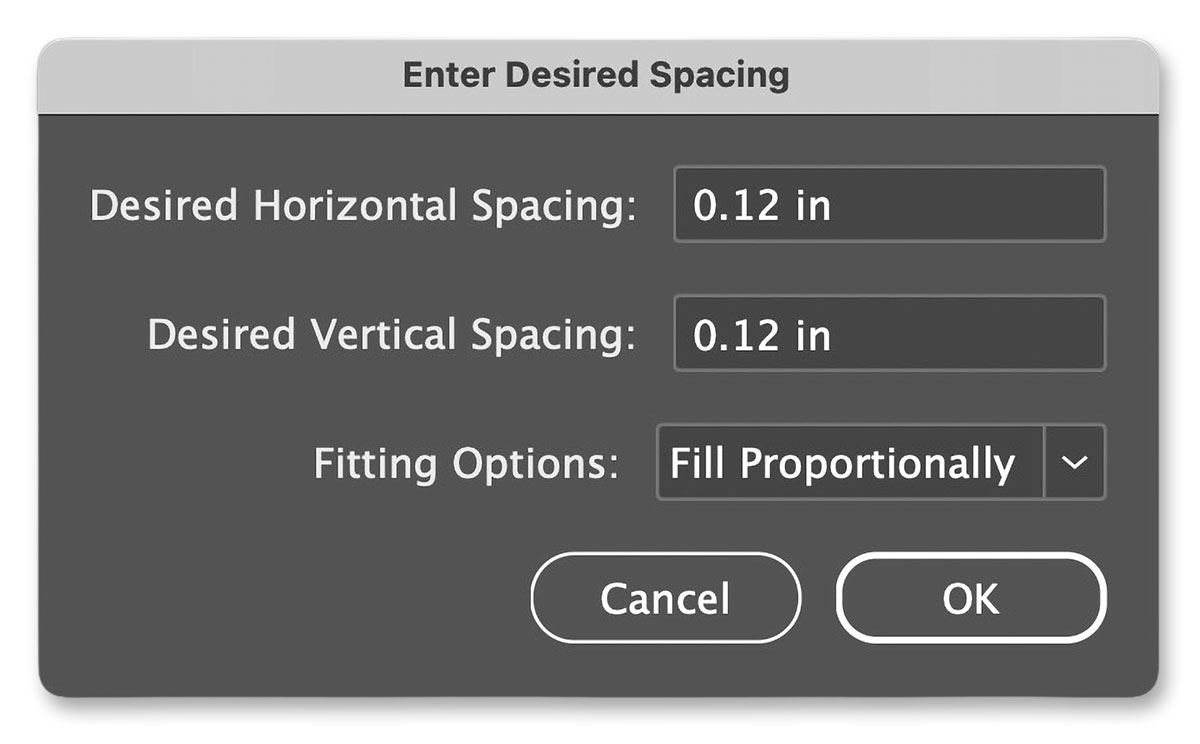
Set Spacing for Style
Change the spacing between images to adjust your style. Design on the fly with no spacing and add it in later.
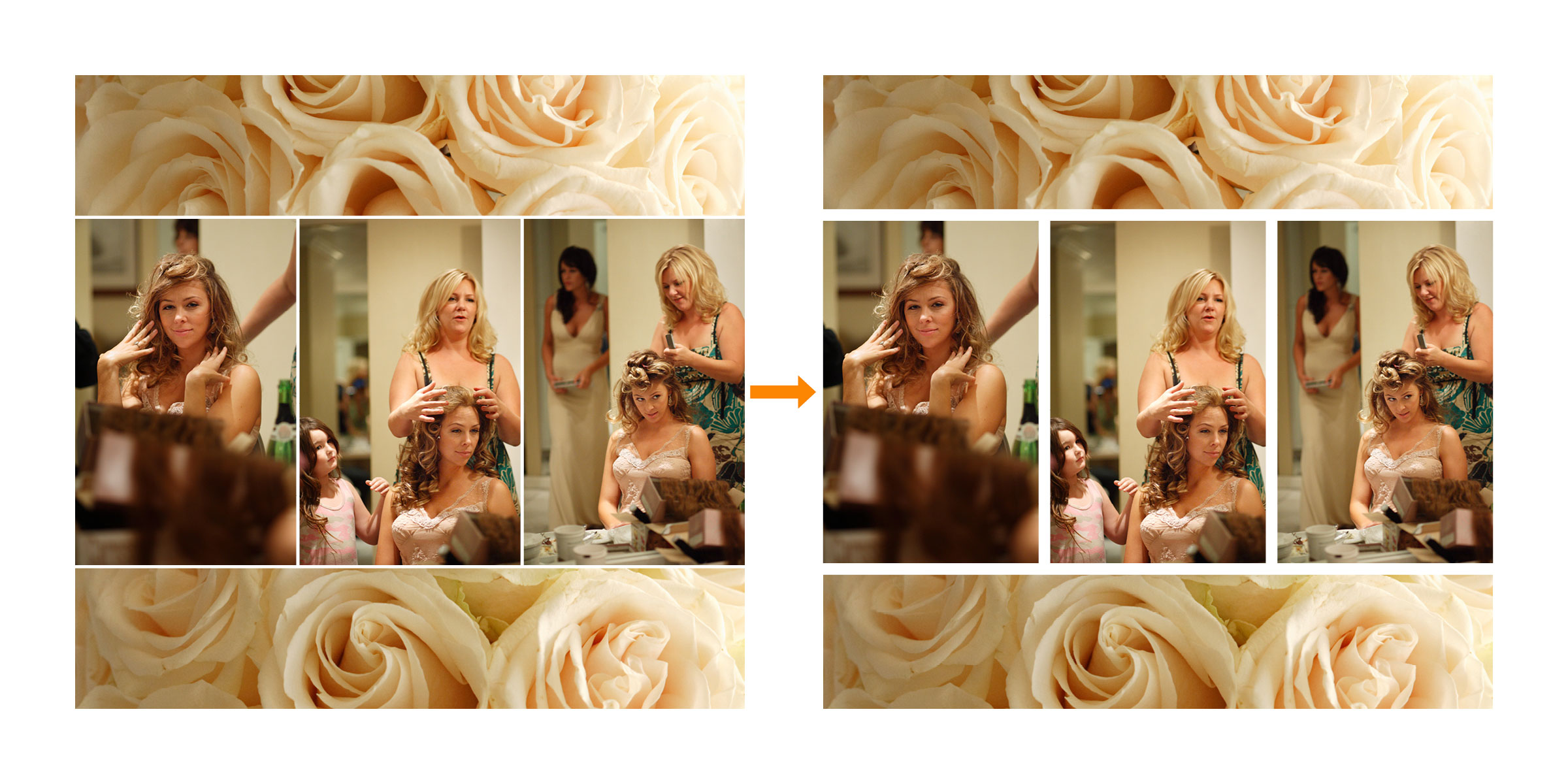
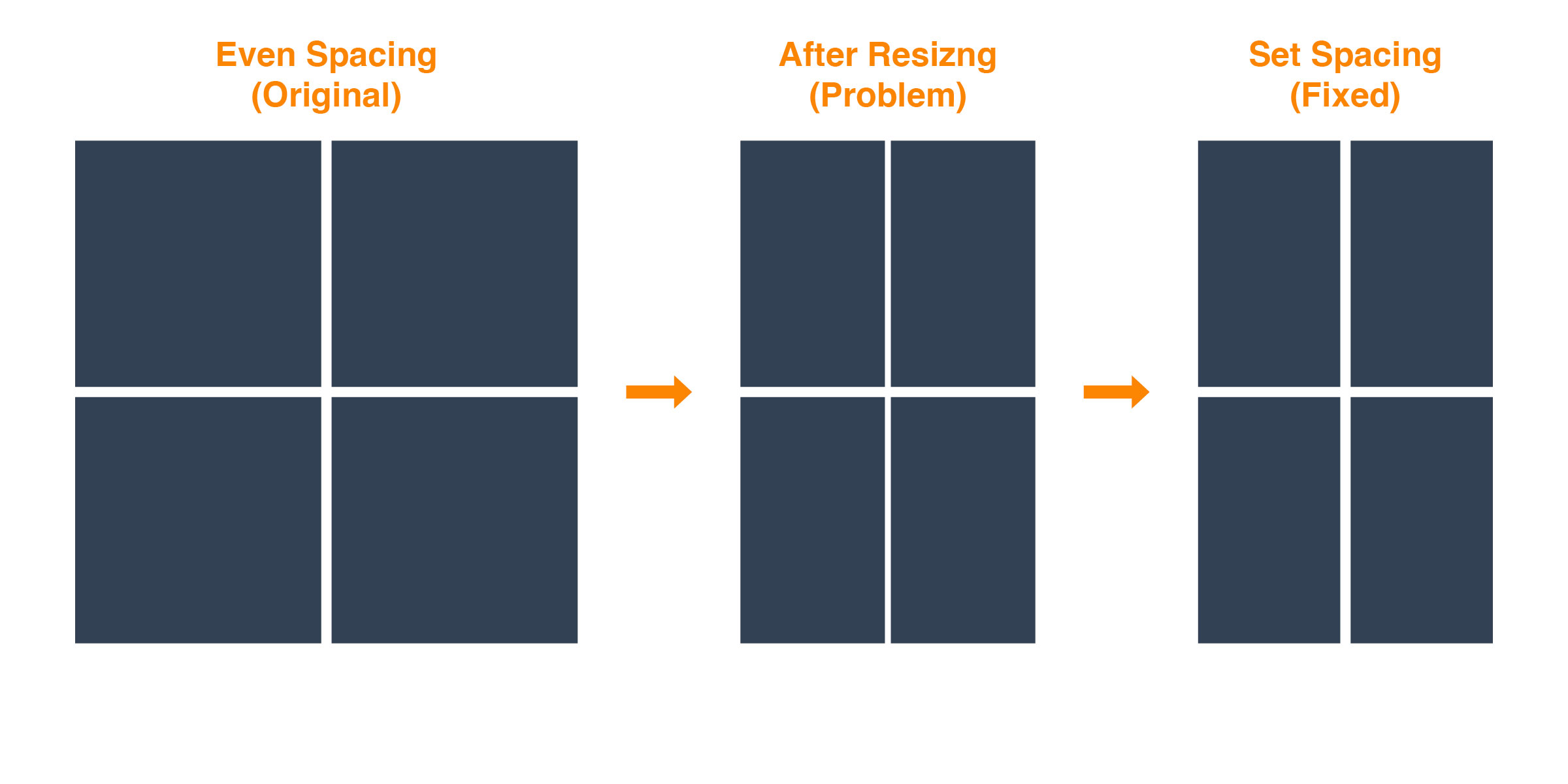
Visualizing the Problem & Solution
When you resize or scale multiple frames in InDesign, the spacing between them shifts automatically. Our Set Spacing script instantly restores perfect, consistent spacing with one click.
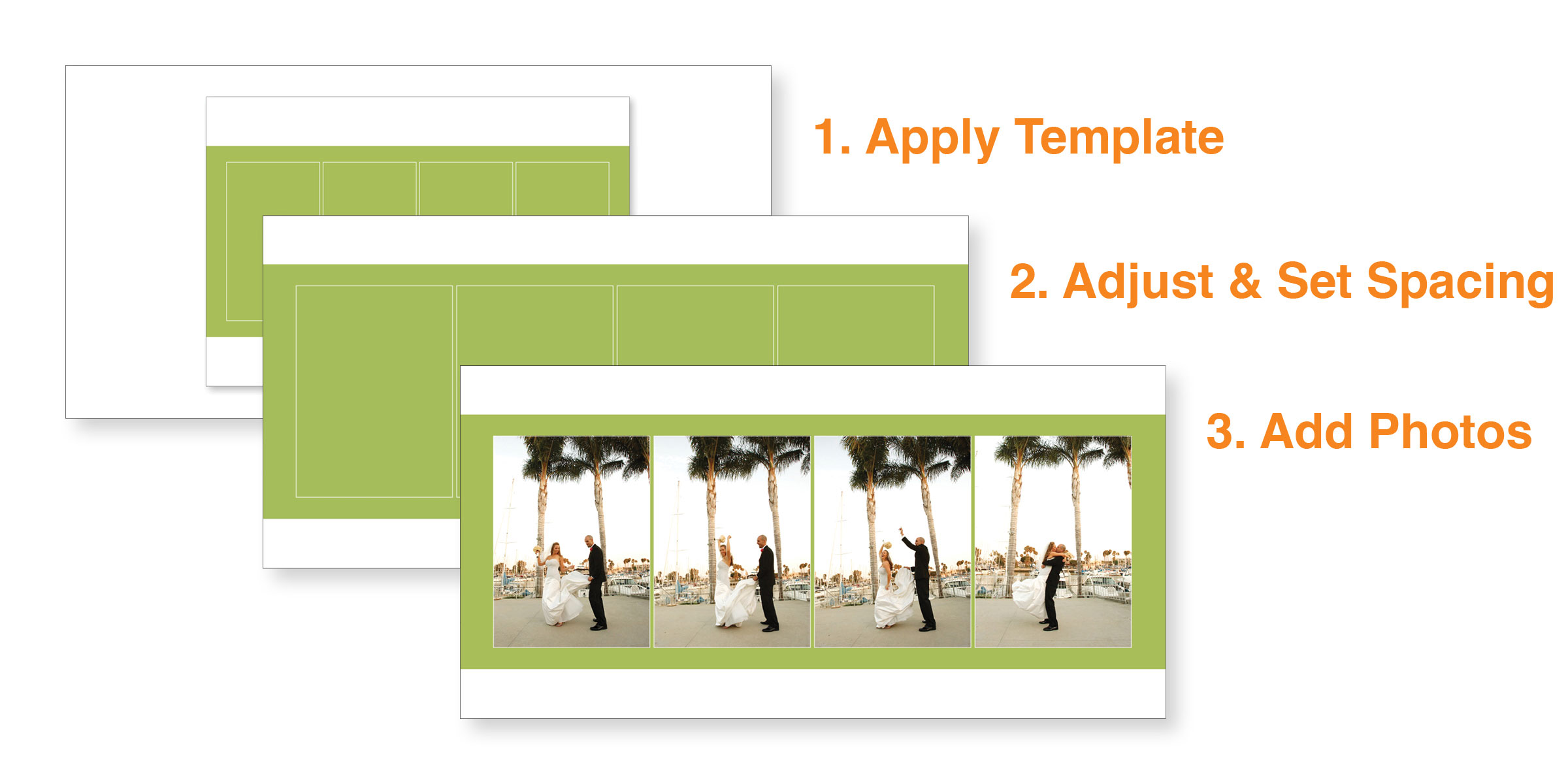
Set Spacing in Action
Set Spacing for Templates
When you are inspired to adjust a template Set Spacing is invaluable.
Albums and books printed by different companies have different specs. Templates can be customized for your particular needs on the fly. Simply, apply your template, adjust its size, and set the spacing. Quick and easy with no compromise in quality.
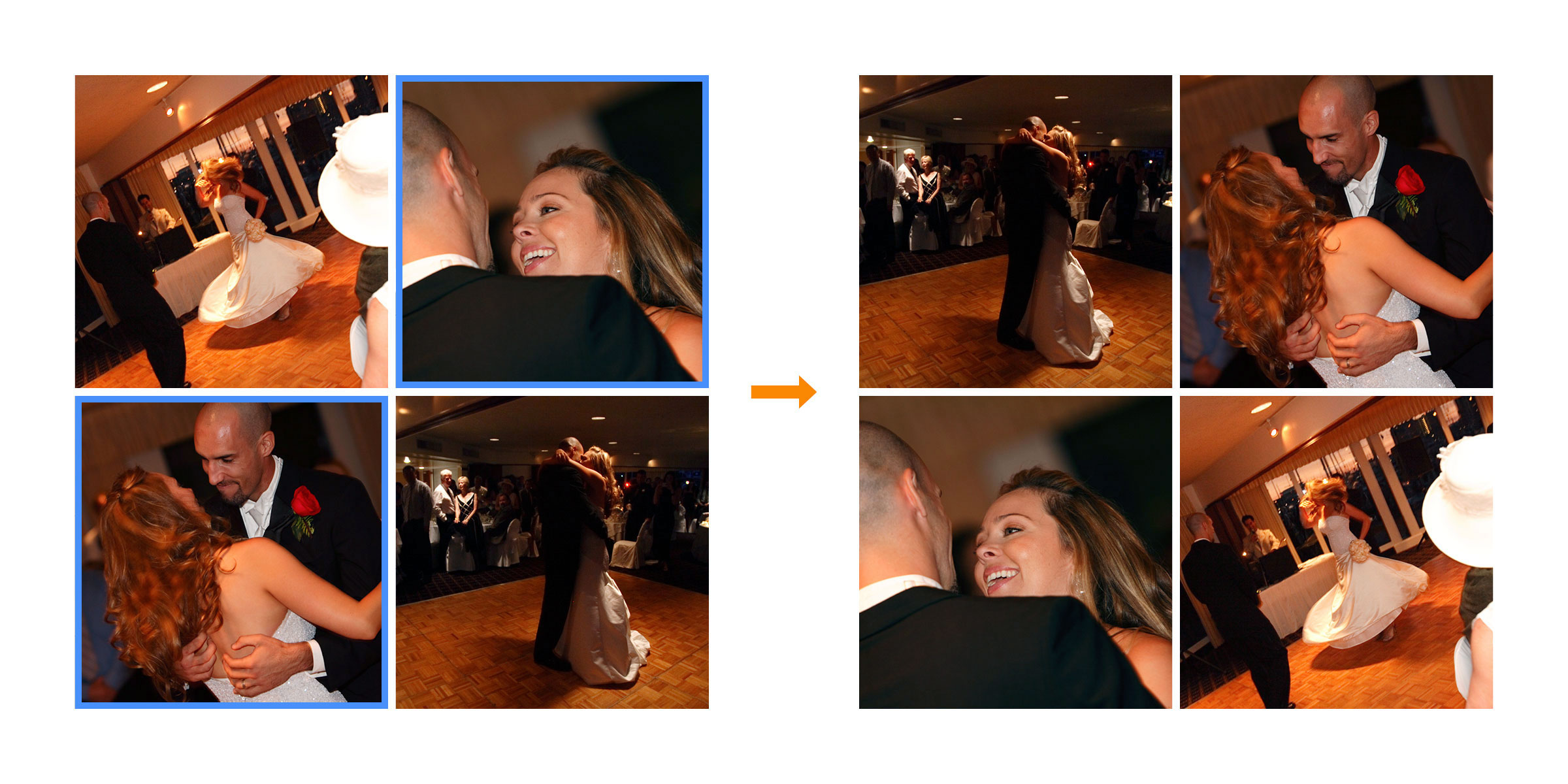
Swap Images
Select your images and swap with a click. A simple time saver to keep you in the flow.
Center Page
Center Page will center your image(s) on the page and relative to other frames on that page as well.
Centering on a Page
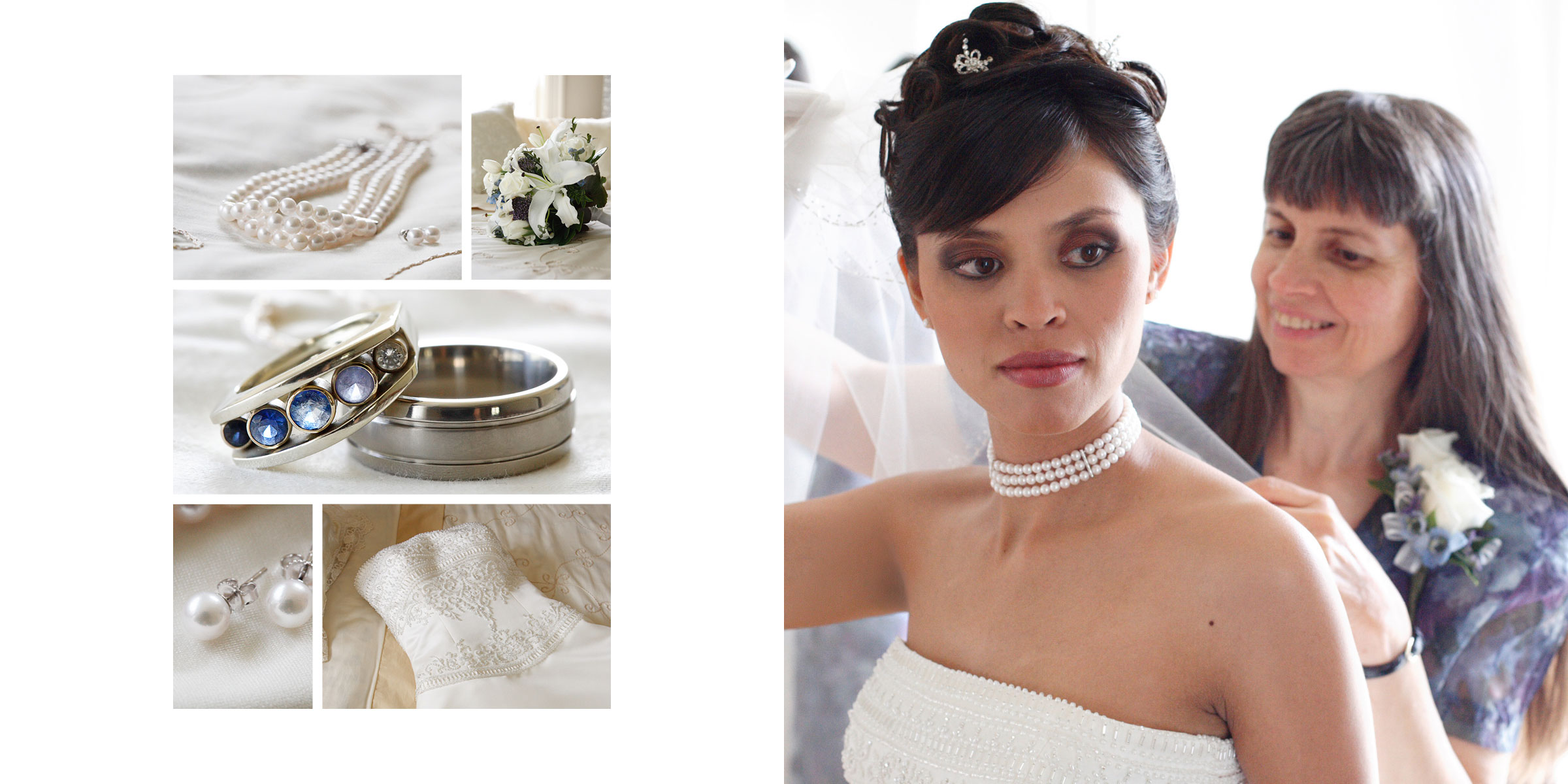
Centering on Page Relative to an Image
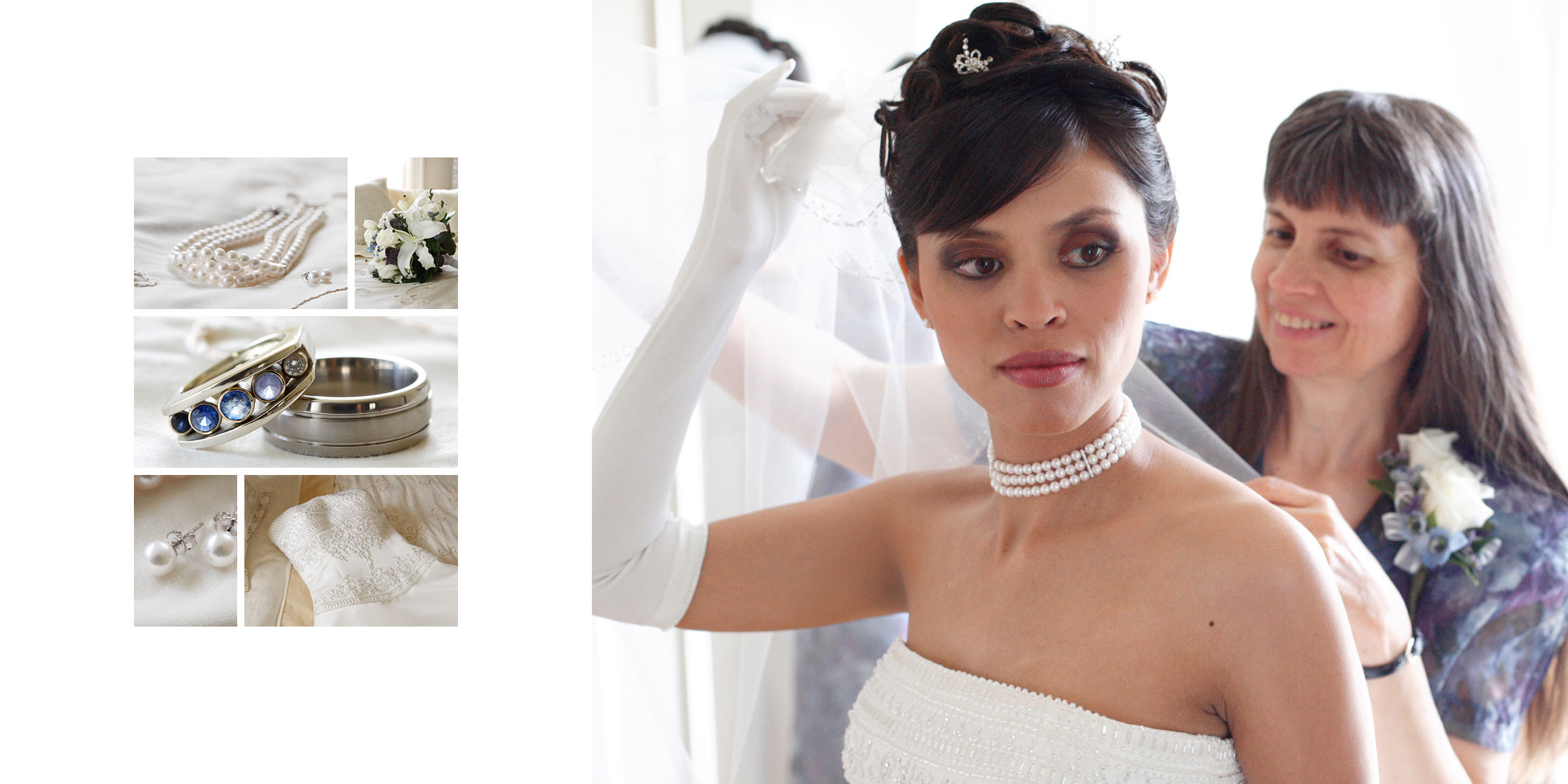
Center Page in Action
Center Spread
Center Spread will center your image(s) on the spread and relative to other frames on that spread as well.
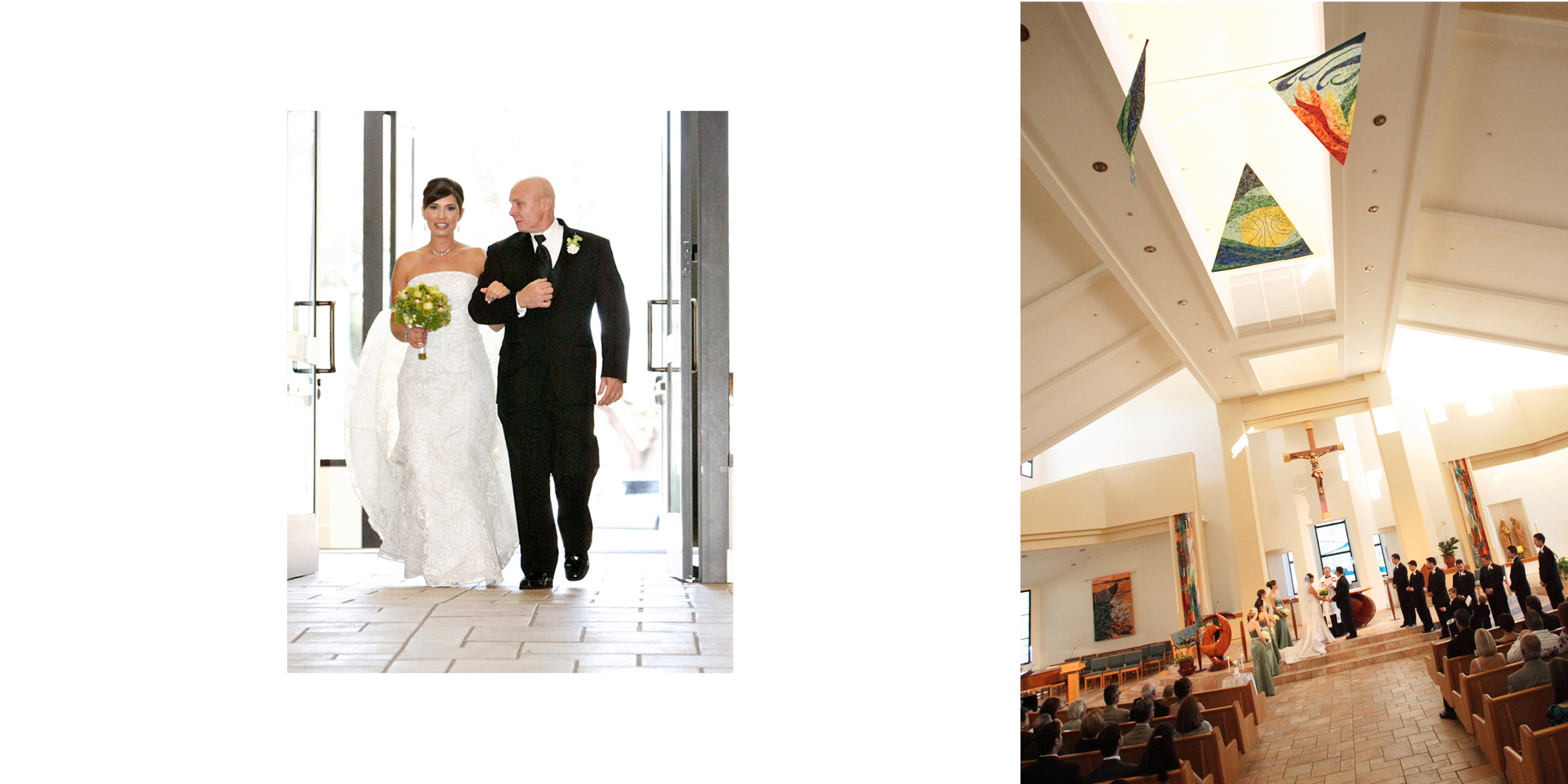
Add to Library
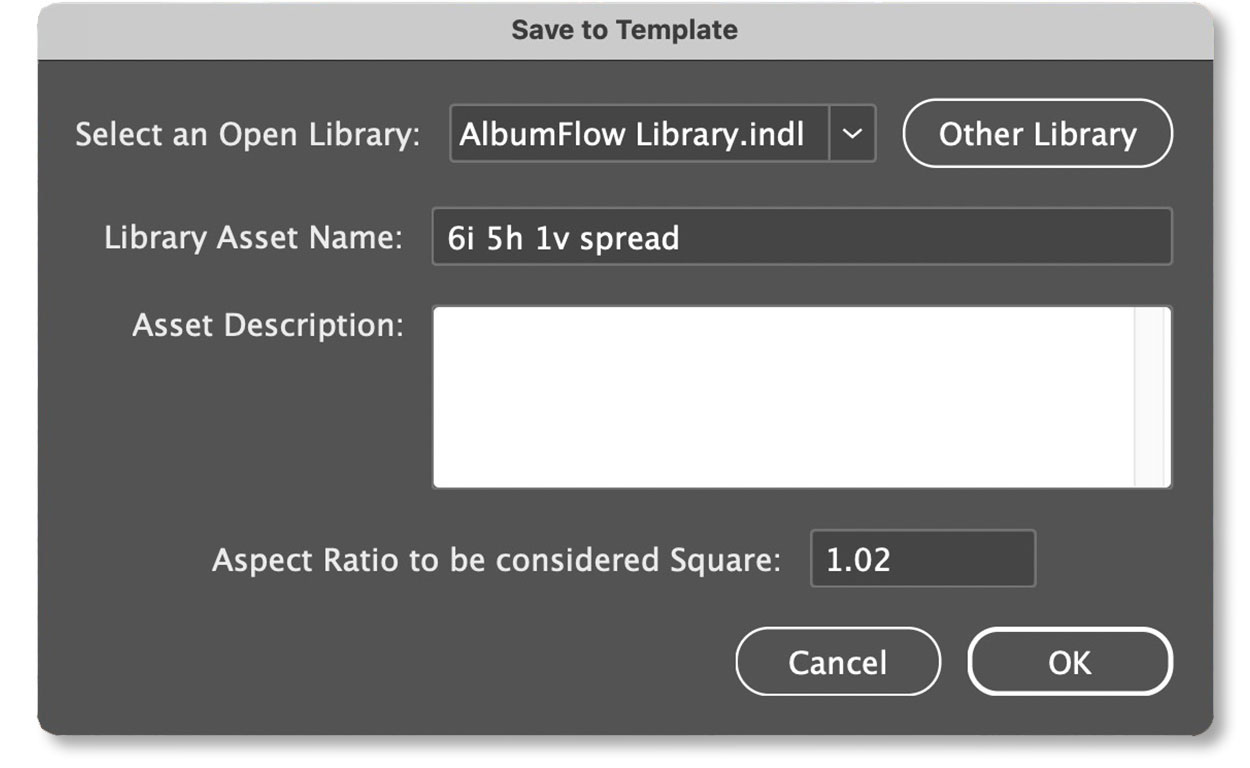
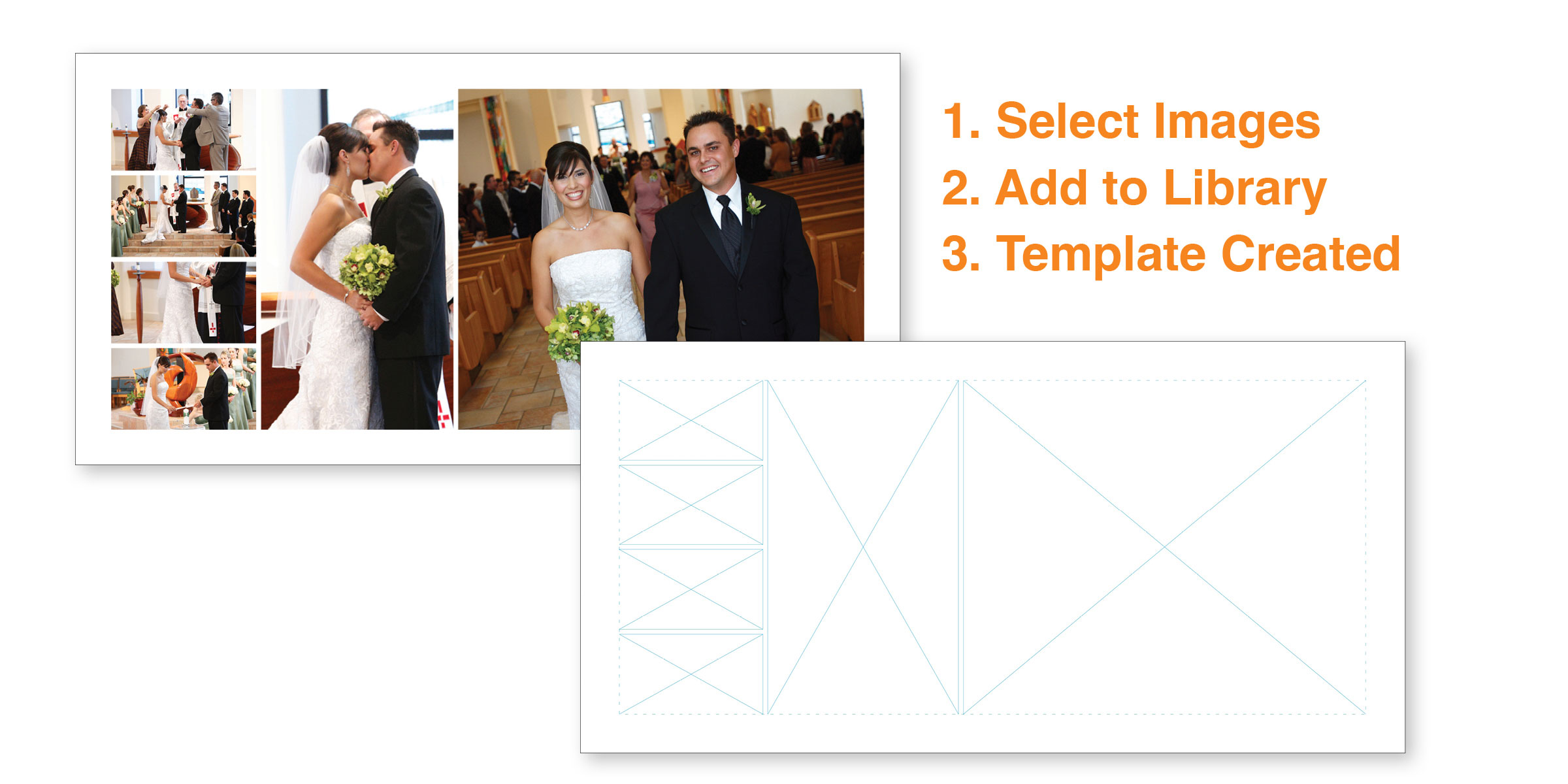
Quickly save your layouts as reusable templates with smart, consistent naming.
Our Add to Library script stores your template with an organized naming system that makes retrieval easy later. It automatically includes key details such as:
- Image Count (#i)
- Horizontal Count (#h)
- Vertical Count (#v)
- Square Count (#s)
- Spread or Page
Example: 6i 5h 1v spread
Run Photoshop Action
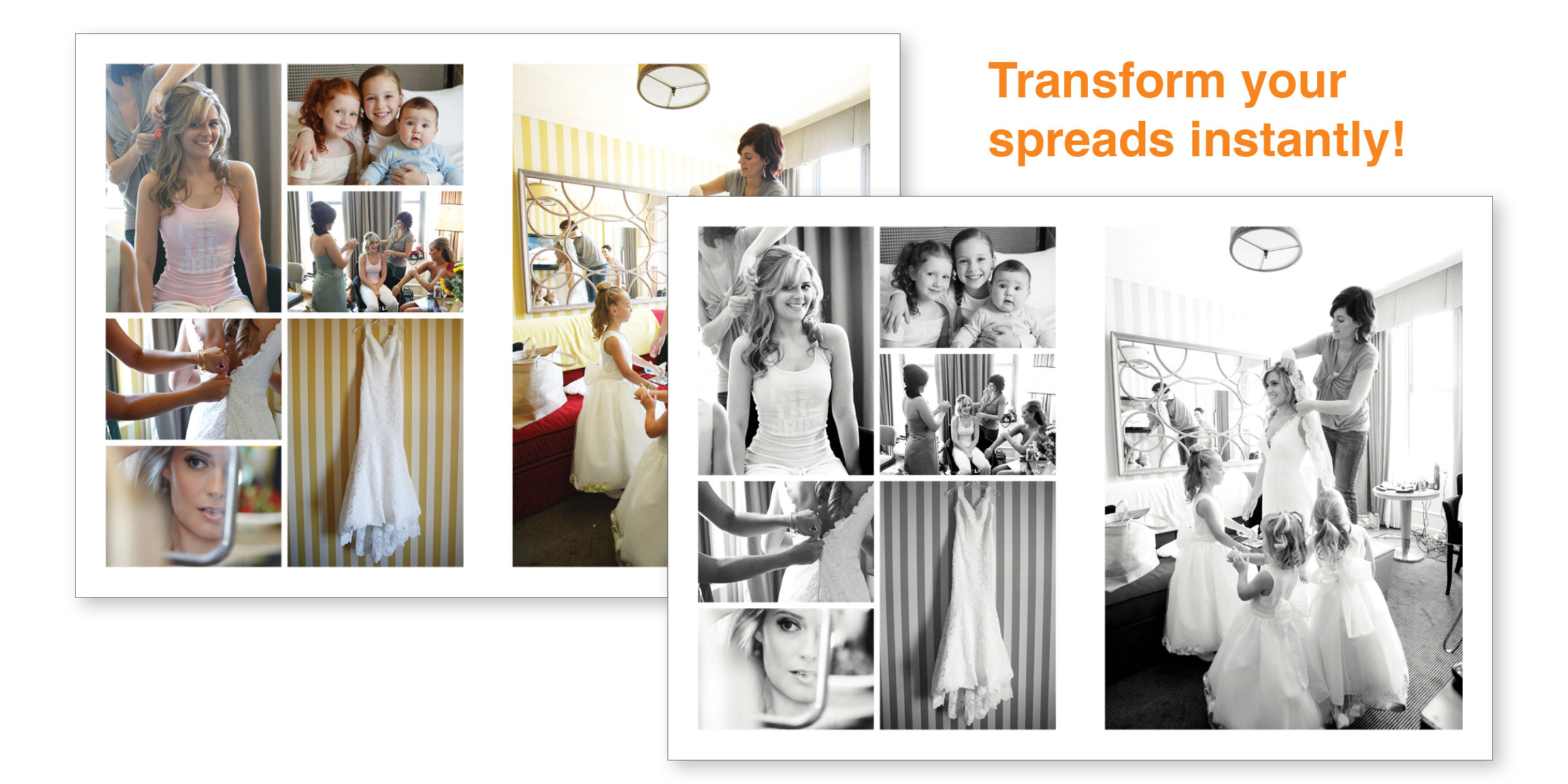
Change the look of your spread quickly and easily with Run Photoshop Action.
Enhance one or more images with a single or recipe of Photoshop actions.
All actions are run on a duplicate of the original image.
💡 Pro Tip: Duplicate your spread before Run Photoshop Action to present a before and after option.
Create Random Frames
This script is like a writer's block. It will generate random layouts based on your choice of the number of frames. Its here to give you some ideas of different layouts which you can modify creating an awesome spread.
Get Started Today
Ready to transform your payroll process? Sign up now and enjoy a free trial—experience the ease of smart payroll management first hand!
